Sep 22, 2026
Why Does Handheld Laser Welding Cause Metal Distortion?
Metal distortion can affect both appearance and dimensional accuracy. Learn how to control heat input and welding conditions to reduce warping and improve weld consistency.
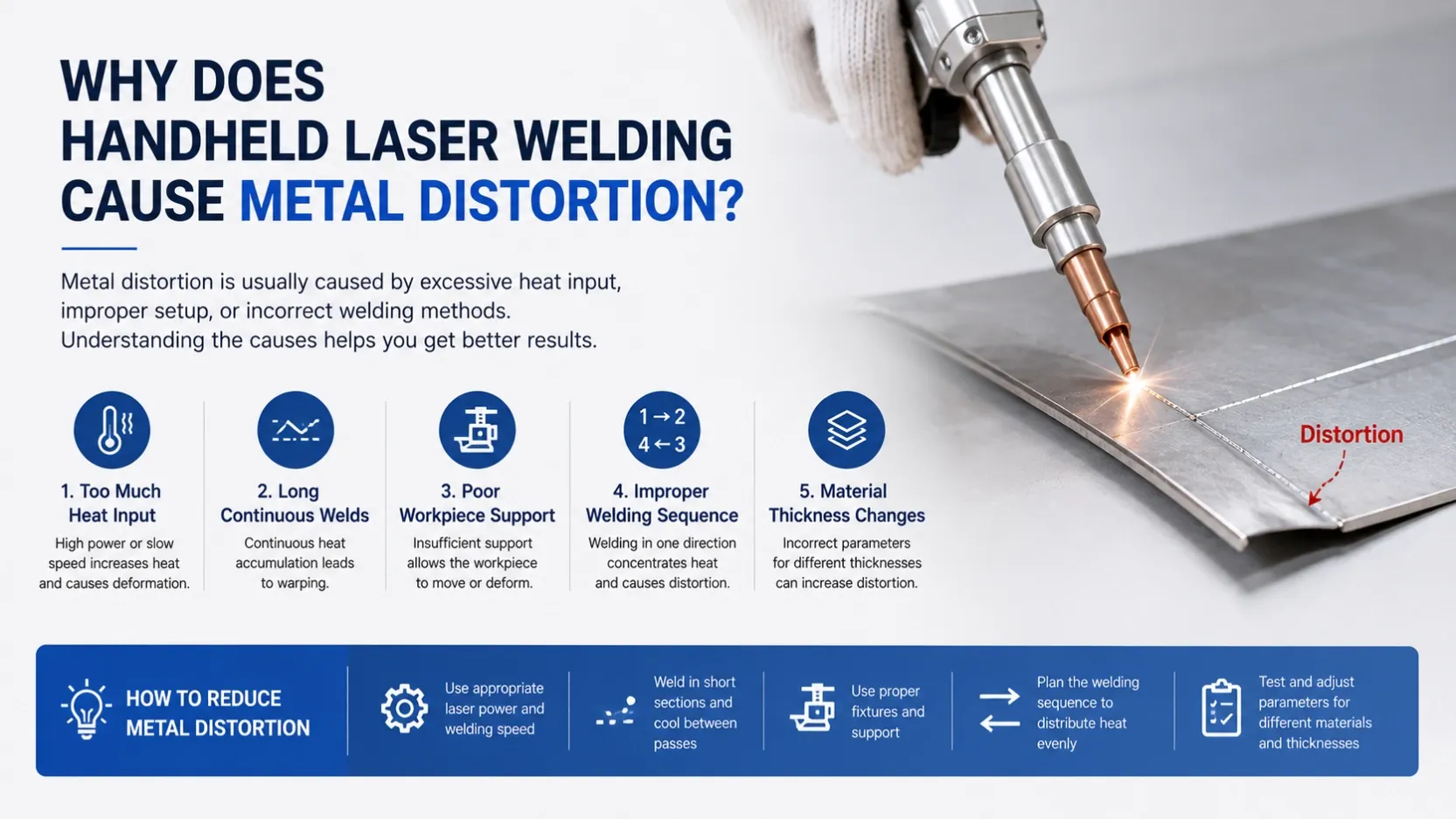
Metal distortion is a common problem when welding thin sheets or parts that require accurate dimensions. Even with a laser welding machine, excessive heat or poor workpiece setup can cause bending, warping, or changes in the original shape.
1. Too Much Heat Input
Laser welding concentrates heat in a small area, but excessive power or slow welding speed can still create too much heat.
If the material becomes hotter than necessary, the heated area expands and contracts during cooling, which can cause deformation.
What to check:
- Laser power
- Welding speed
- Material thickness
- Welding path
For thin materials, start with a suitable power level and avoid unnecessarily slow movement.
2. Long Continuous Welds
Long welds can continuously add heat to the same area.
This is especially noticeable on thin stainless steel or sheet metal. The longer the welding process continues without allowing heat to dissipate, the greater the risk of distortion.
For long joints, consider welding in short sections and changing the welding sequence when appropriate.
3. Poor Workpiece Support
If the workpiece is not properly supported, it can move or deform as the temperature changes.
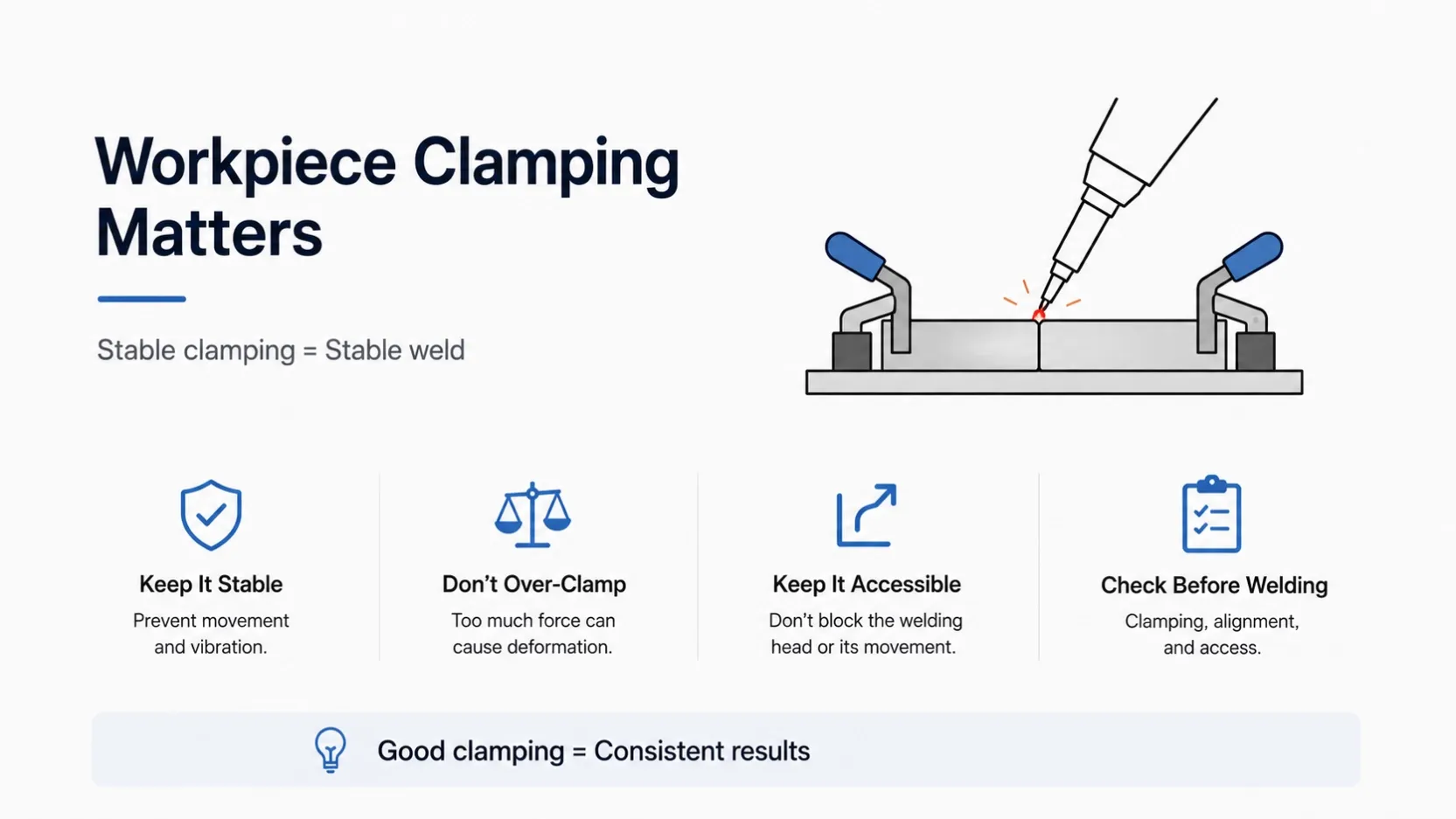
Use suitable fixtures or clamps to keep the parts aligned during welding. However, avoid excessive clamping force, especially on thin sheets, because it can introduce deformation before welding even begins.
4. Welding Sequence Matters
For larger or longer components, welding everything from one end to the other can concentrate heat in one direction.
A planned welding sequence can help distribute heat more evenly.
For example, depending on the workpiece, you can weld different sections alternately rather than continuously heating the same area.
5. Material Thickness Changes
Different thicknesses require different welding parameters. A setting that works well on 3 mm stainless steel may be too aggressive for a 1 mm sheet.
Before production, test the actual material and thickness instead of relying only on parameters used for another workpiece.
Quick Check
When distortion occurs, check:
Material thickness → Laser power → Welding speed → Welding sequence → Workpiece support
Avoid changing several parameters at once. Adjust one factor, make a test weld, and compare the result.
Reducing distortion is mainly about controlling heat input and workpiece stability. With the right laser parameters, welding sequence, and fixture setup, handheld laser welding can achieve more consistent results while reducing post-welding correction work.