Sep 23, 2026
How Does Wobble Frequency Affect Handheld Laser Welding?
Wobble frequency controls laser beam oscillation speed for handheld laser welding. Improper settings lead to bad welds. Tune it with wobble width and test samples.
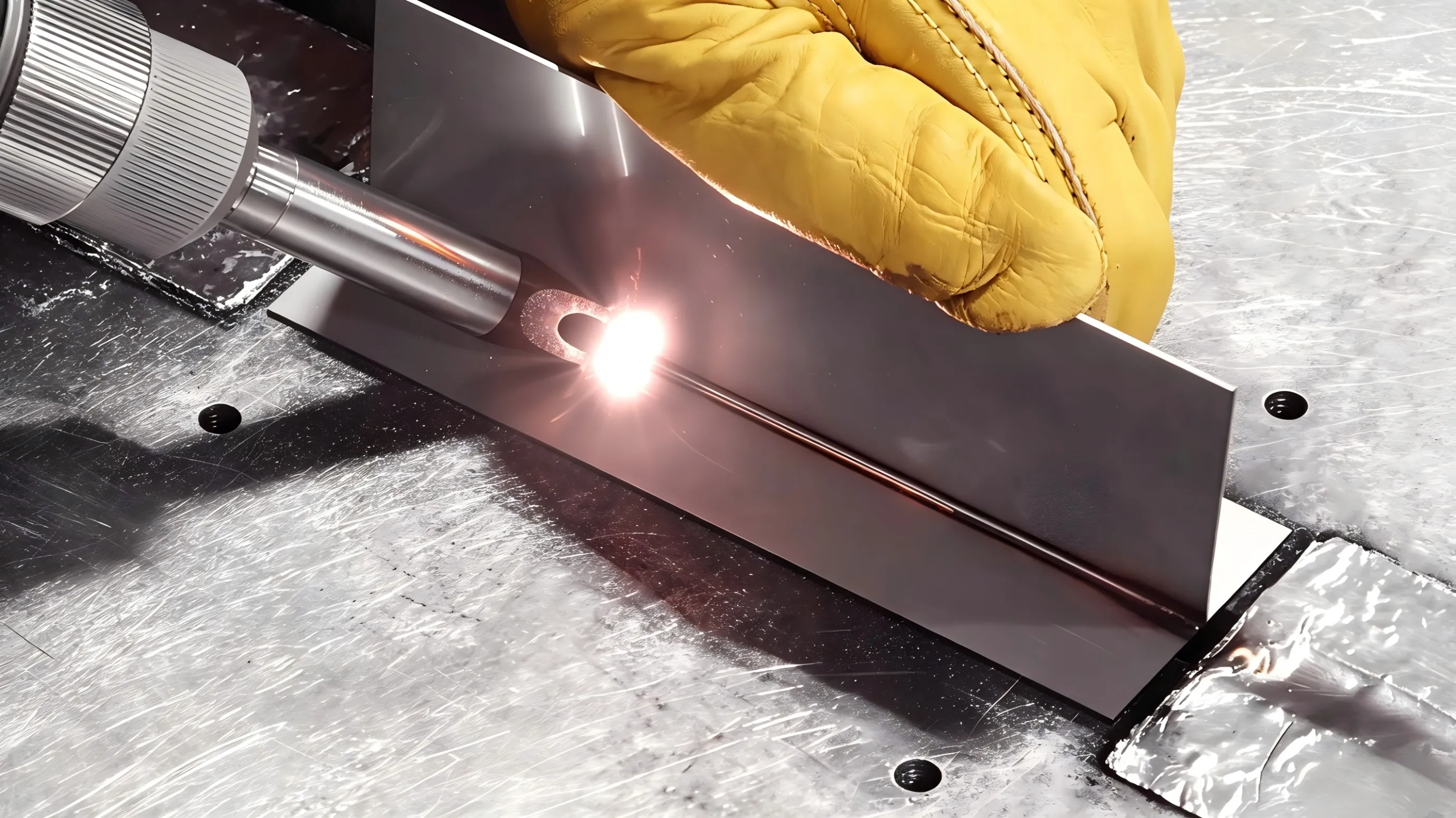
Wobble frequency is an important parameter in handheld laser welding. While wobble width controls how far the laser beam moves from side to side, wobble frequency controls how quickly it moves through that pattern.
Using the right frequency can help achieve a more stable molten pool and consistent weld appearance.
1. What Is Wobble Frequency?
During oscillation welding, the laser beam moves repeatedly across the welding path.
- Low frequency: The beam moves more slowly through each oscillation.
- High frequency: The beam moves faster and completes more oscillations in the same time.
The frequency works together with wobble width, laser power, and welding speed, so changing frequency can change the actual heat distribution.
2. What Happens When the Frequency Is Too Low?
A low frequency can keep the laser beam in certain areas for longer during each cycle.
This may cause:
- Excessive local heating
- A wider or uneven weld
- More visible oscillation marks
- Increased risk of overheating thin material
If the weld looks too hot or the surface becomes inconsistent, frequency is one parameter worth checking.
3. What Happens When the Frequency Is Too High?
A very high frequency distributes the beam movement more rapidly.
Depending on the material and other settings, this can result in:
- Less energy being delivered to each individual position
- Reduced penetration
- A less stable molten pool
- A weld that does not achieve the expected width
Increasing frequency does not automatically improve welding quality.
4. Frequency Must Match Wobble Width
Frequency should not be adjusted separately from wobble width.
For example, if you increase the wobble width while keeping the same frequency, the beam travels a longer path during each oscillation. If you then increase the frequency significantly, the overall beam movement and heat distribution change again.
A better approach is to adjust width and frequency together and test the actual weld.
5. How to Find a Suitable Setting
When testing a new material or thickness:
- Keep laser power and welding speed unchanged.
- Start with a moderate wobble width and frequency.
- Make a test weld.
- Change the frequency slightly.
- Compare weld width, penetration, surface appearance, and heat-affected area.
- Choose the setting that provides stable results.
Do not change power, speed, width, and frequency at the same time. Otherwise, it becomes difficult to identify which parameter caused the change.
Wobble frequency affects how the laser beam distributes energy across the welding area. The right setting depends on the material, thickness, laser power, wobble width, and welding speed.
Instead of simply using a higher or lower frequency, make small adjustments and evaluate the actual weld result.