Sep 2, 2026
Why Does a Handheld Welding Head Overheat?
Find out why your Handheld Welding Head may overheat and how proper maintenance and parameter adjustment can help ensure reliable welding performance.
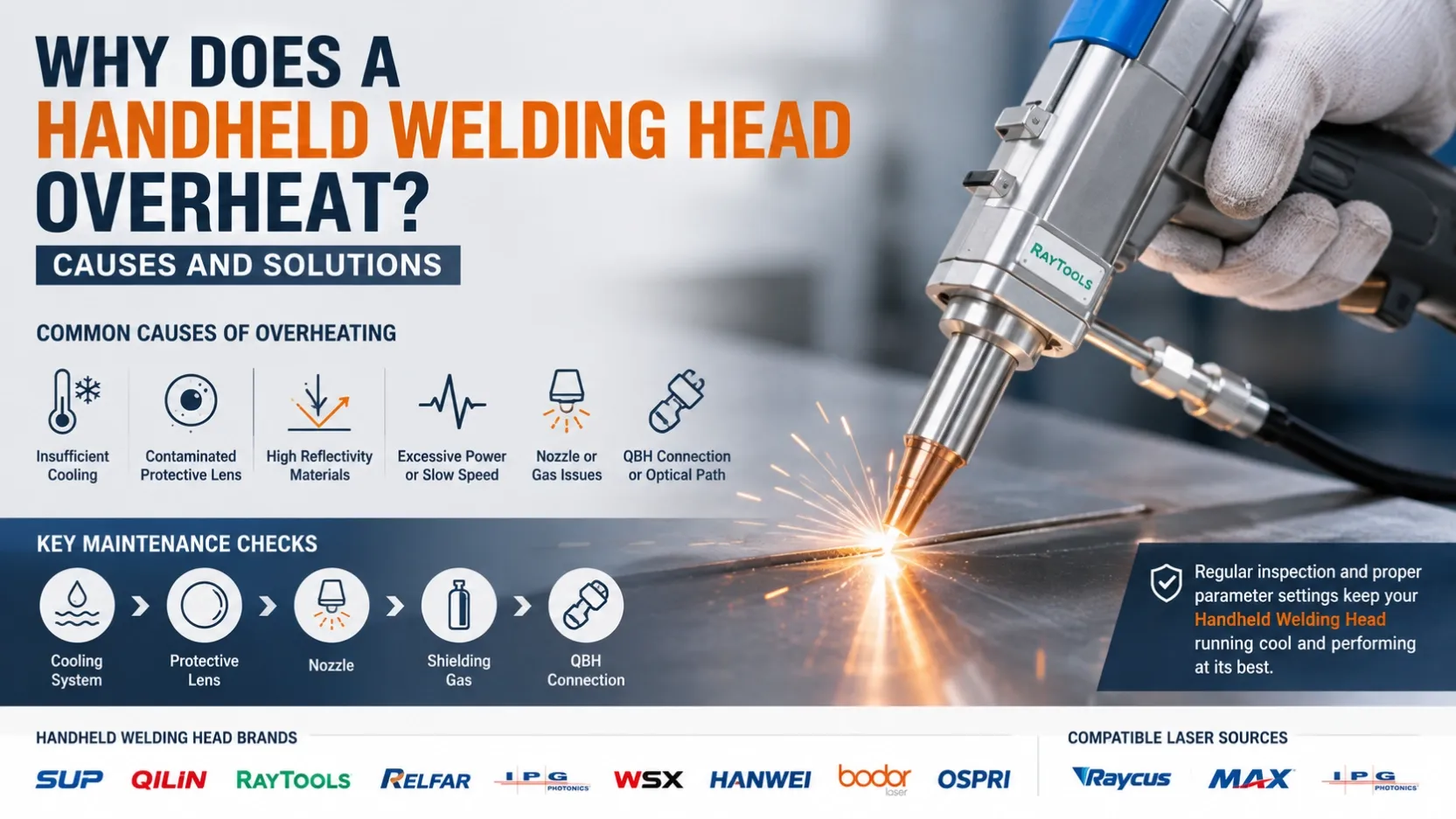
A Handheld Welding Head may become warm during continuous laser welding because it operates close to the molten pool and laser beam. However, excessive or rapidly increasing temperature is not normal and should be investigated.
Overheating can affect welding stability and may damage optical components, motors, or other internal parts if operation continues.
This issue can occur in systems using popular Handheld Welding Head brands such as SUP, Qilin, Raytools, Relfar, IPG, WSX, Hanwei, Bodor, and Ospri, especially when combined with high-power fiber laser sources such as Raycus, MAX, and IPG.
The key is to identify the actual cause instead of simply reducing laser power or replacing the entire Handheld Welding Head.
1. When Is Heating Normal?
A certain amount of heat is normal during laser welding.
The Handheld Welding Head is positioned close to the welding area, where it is exposed to heat radiation, metal spatter, and reflected laser energy.
However, operators should stop and inspect the system if:
- The Handheld Welding Head becomes unusually hot
- Temperature rises rapidly during welding
- A temperature alarm appears
- Welding becomes unstable after continuous operation
- The protective lens is repeatedly damaged
- The system stops automatically because of a temperature alarm
Some Handheld Welding Head systems include temperature monitoring or alarm functions, making it easier to identify abnormal conditions.
2. Cooling Problems Are One of the First Things to Check
For water-cooled systems, insufficient cooling can directly contribute to abnormal temperature increases.
Check the following:
- Cooling water level
- Actual water temperature
- Water circulation
- Cooling pipes
- Pipe connections
- Possible blockage or leakage
- Chiller alarm status
The cooling system is designed to remove heat from the laser and Handheld Welding Head. Poor circulation or an abnormal water temperature can therefore affect equipment stability.
If the cooling system is working normally but the Handheld Welding Head continues to overheat, move on to the optical and process-related checks below.
3. Check the Protective Lens Before Changing the Handheld Welding Head
As contamination increases, localized heating can become more serious and may eventually damage the lens.
A practical inspection should check whether the protective lens has:
- Black spots
- White burn marks
- Dust
- Metal spatter
- Cracks
- Other visible contamination
Manufacturers commonly recommend regular inspection of the protective lens because contamination can reduce welding performance and potentially damage the optical system.
Do not continue high-power welding with a visibly damaged protective lens.
Also, replacement should follow the specific Handheld Welding Head manufacturer's instructions because protective lens specifications and coatings can differ between systems.
4. High-Reflectivity Materials Require Extra Attention
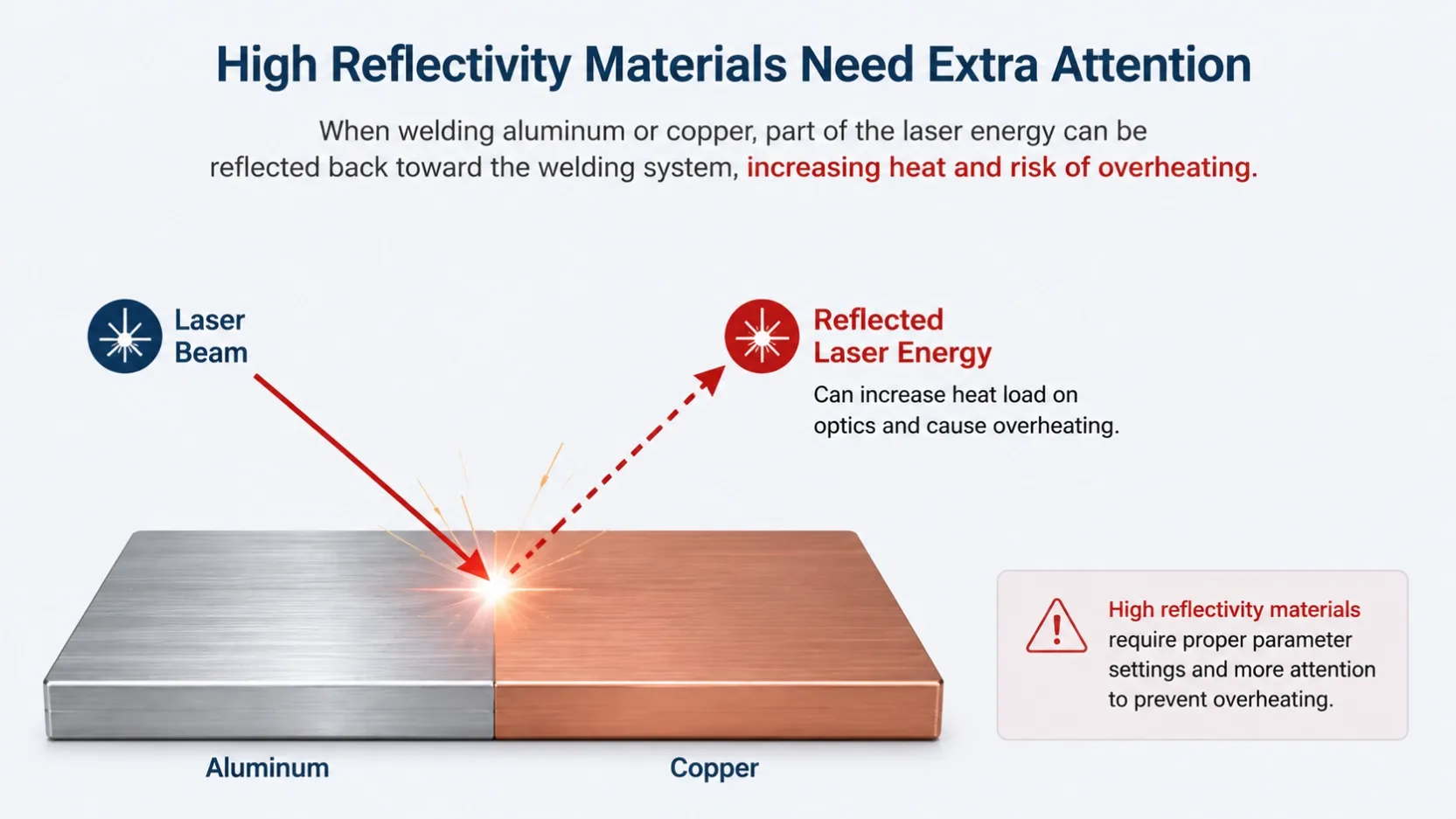
Material reflectivity is another important factor.
Aluminum and copper, for example, can produce significant reflected laser energy during welding. Highly reflective surfaces can direct part of the laser energy back toward the welding system.
If overheating occurs mainly when welding aluminum or copper, check:
- Laser power
- Focus position
- Welding angle
- Welding speed
- Handheld Welding Head specifications
- Optical component condition
- Manufacturer-recommended parameters
Do not assume that parameters suitable for stainless steel or carbon steel will produce the same result on highly reflective materials.
5. Laser Power and Welding Speed Work Together
Overheating should not automatically be blamed on laser power alone.
For example, high laser power combined with very slow welding movement increases the energy delivered to a specific area.
The actual thermal load depends on the complete process:
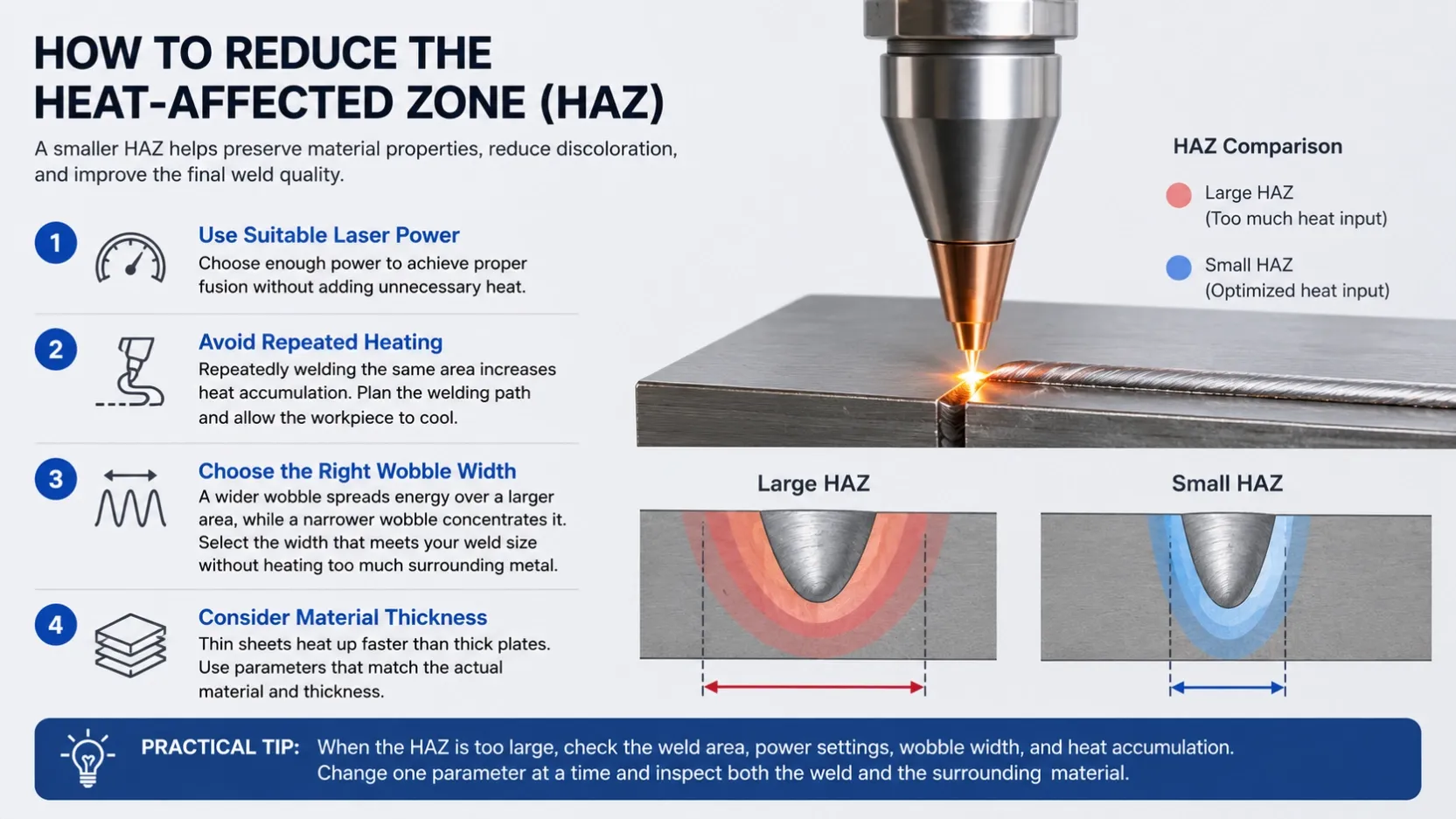
Laser Power + Welding Speed + Material + Focus + Wobble Parameters
If the Handheld Welding Head becomes excessively hot during a particular welding process, compare the actual parameters with the recommended range for the Handheld Welding Head and laser source.
Avoid making large parameter changes without first identifying the cause.
6. Check the Nozzle and Shielding Gas
A damaged, deformed, or contaminated nozzle can affect gas flow and welding conditions.
Check whether:
- The nozzle is blocked
- The nozzle opening is deformed
- Metal spatter has accumulated
- The nozzle is installed correctly
- Shielding gas flow is stable
- The gas hose has leaks
The nozzle also helps direct shielding gas toward the molten pool, so its condition can influence the welding process.
If the nozzle is damaged, replace it with the appropriate specification rather than continuing to weld with a deformed nozzle.
7. Check the QBH Connection and Optical Path
The connection between the laser source and Handheld Welding Head is another important inspection point.
Before installation, make sure the optical connection is clean and correctly locked.
A loose or improperly installed connection can affect the laser delivery system and may create abnormal operating conditions.
When working with systems using Raycus, MAX, or IPG laser sources, always verify compatibility between:
Laser Source → Fiber Connection → Handheld Welding Head → Optical Components → Cooling System
The exact interface and operating specifications depend on the equipment model.
8. Different Handheld Welding Head Brands Have Different Specifications
The market includes many commonly used Handheld Welding Head brands, including:
- SUP
- Qilin
- Raytools
- Relfar
- IPG
- WSX
- Hanwei
- Bodor
- Ospri
Even though these products may be used for similar applications, their optical structures, cooling methods, motor systems, interfaces, and recommended power ranges can differ.
For example, a Handheld Welding Head designed for a specific power range should not automatically be used with a higher-power laser source simply because the fiber connection appears compatible.
Always check the specific model specification before installation.
9. A Practical Troubleshooting Sequence
When a Handheld Welding Head overheats, use the following sequence instead of immediately replacing components.
Step 1 — Stop Laser Emission
If the temperature rises rapidly or a temperature alarm appears, stop welding and allow the system to cool.
Step 2 — Check Cooling
For water-cooled equipment, check:
Water Level → Water Temperature → Water Flow → Pipes → Connections
Step 3 — Inspect the Protective Lens
Check for contamination, black spots, cracks, or burn marks.
Step 4 — Check the Nozzle
Look for deformation, blockage, or excessive spatter.
Step 5 — Check Shielding Gas
Confirm stable gas flow and inspect the gas hose and connections.
Step 6 — Review Welding Parameters
Check:
Laser Power → Welding Speed → Focus → Wobble Width → Material
Step 7 — Consider Material Reflection
If the problem occurs mainly with aluminum, copper, or other reflective materials, review the process and equipment configuration.
Step 8 — Inspect the Handheld Welding Head
If the problem remains after the above checks, professional inspection of the Handheld Welding Head and optical system may be required.
10. How to Reduce the Risk of Overheating
A few simple maintenance habits can significantly reduce unnecessary downtime:
✔ Check the Handheld Welding Head before production
✔ Keep the protective lens clean
✔ Replace damaged optical components promptly
✔ Keep the nozzle clean and correctly installed
✔ Maintain stable cooling conditions
✔ Keep shielding gas flow stable
✔ Avoid unnecessary cable bending or pulling
✔ Use compatible laser sources and Handheld Welding Heads
✔ Follow the manufacturer's recommended power range
✔ Pay extra attention when welding highly reflective materials
Handheld Welding Head overheating is usually a system-level problem rather than a single-component problem.
Cooling performance, protective lens condition, nozzle condition, laser parameters, material reflectivity, optical connections, and equipment compatibility can all affect the thermal condition of the Handheld Welding Head.
Whether your system uses SUP, Qilin, Raytools, Relfar, IPG, WSX, Hanwei, Bodor, or Ospri, combined with a Raycus, MAX, or IPG laser source, troubleshooting should always start with the basic operating conditions before replacing the Handheld Welding Head.
A systematic inspection process can help reduce unnecessary component replacement, minimize downtime, and maintain stable and reliable handheld laser welding performance.